Who is managed IT meant for?
For organisations with 1 to 50 users who work with Microsoft 365 and have no IT department of their own. In the Netherlands and Belgium.
Why a price per business and not per user?
Because the work for a small business does not grow one for one with the number of people. A fixed price per tier is easier to budget. If you prefer a price per user, that can be arranged; we record that choice in the order form.
Can I add individual components without moving to a higher package?
Yes. Laptop monitoring, the emergency line, phishing training and, for Essential, backup and account monitoring can all be added separately. If you want two or more, the next package is almost always cheaper. I am happy to work out the numbers for you.
What reporting do I get?
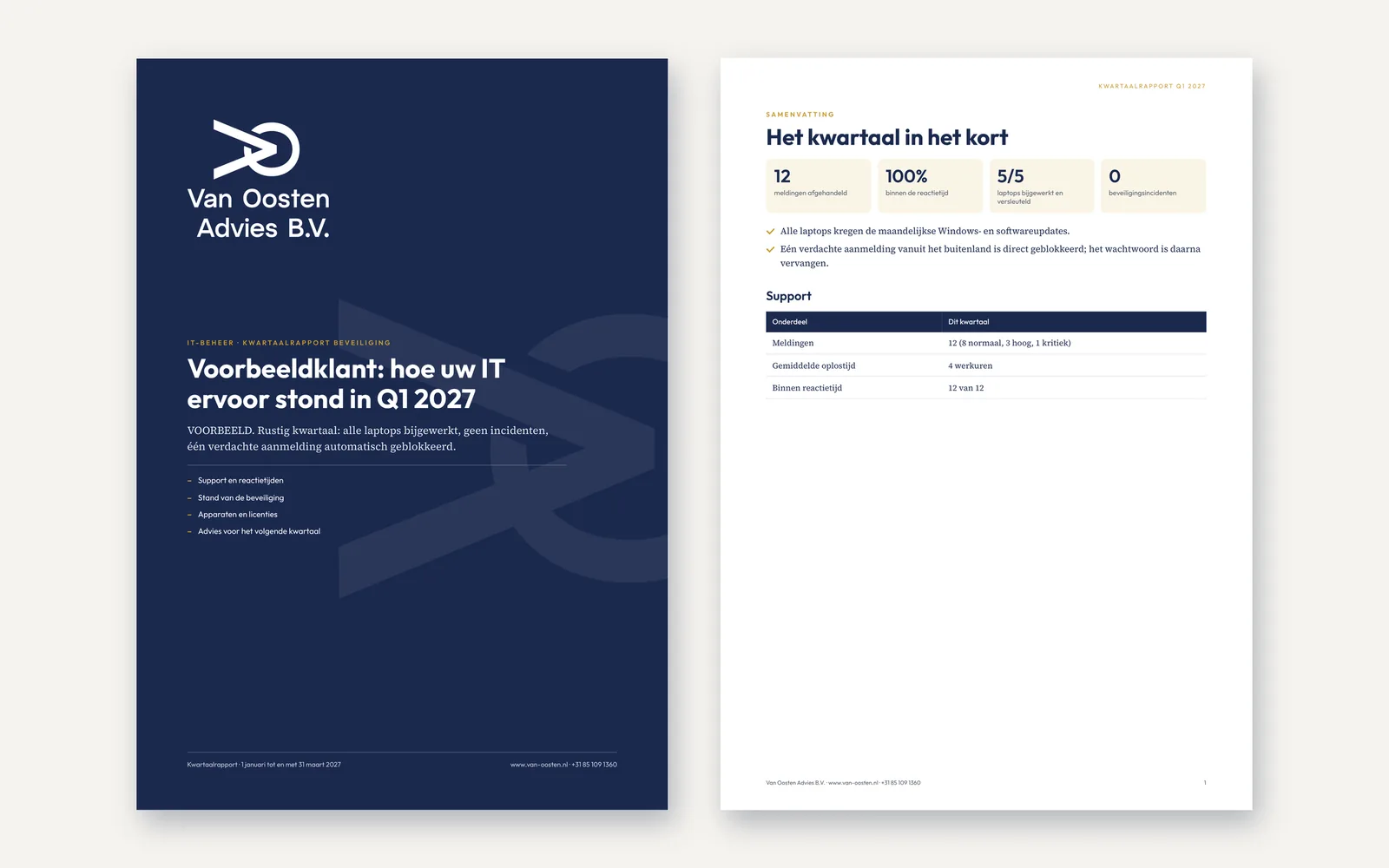
In Complete and Premium a monthly report every month and a quarterly check every quarter, with an overview of the warranty on your laptops and a review of account security. Premium also gets a vulnerability report and a security report every quarter, and an annual IT plan. With Essential you can add the monthly report separately for €15 per month.
What security and convenience do Complete and Premium include?
Besides backup and 24/7 monitoring of your accounts: managed antivirus (Microsoft Defender) on Windows laptops and Macs, a mail archive so your mailbox never fills up, and self-service password reset, also in the evening and at weekends. 24/7 laptop monitoring by a security operations centre is part of Premium and can be added to Essential and Complete.
How do I report an issue?
Through WhatsApp or by phone on +31 85 109 1360, by email to support@van-oosten.nl or in the ticket portal. Every report becomes a ticket. Always report a critical outage (P1) by phone.
How quickly do you respond?
That depends on your package and the priority of the report. For a critical outage (P1): Essential within 4 working hours, Complete within 2 working hours, Premium within 1 hour. For high priority (P2): 1 working day, 4 working hours and 2 working hours. For a normal report (P3): 2 working days, 1 working day and 4 working hours. These are response times, not resolution times, on working days from 08:30 to 17:00. In Premium the P1 time also applies outside office hours, once the emergency line has been activated for your environment.
What if you are ill or on holiday?
Everything about your environment is documented, so the knowledge does not live only in my head, and you have your own emergency access, so you are never locked out. In Complete and Premium the automated monitoring blocks a hijacked account even when I cannot be reached. There is also an out-of-hours emergency line for critical outages: included in Premium and available as an add-on with Complete, from the activation date in your order form.
How does switching from my current IT provider work?
I start with an inventory: who has which accounts, which laptops there are, where the passwords are kept and which licences run until when. We approve that inventory together and it forms the basis of the contract. The critical security (MFA, emergency access, backup and monitoring) is in place within ten working days; the rest within ninety days. You receive an activation report on it.
Can I just buy loose hours?
Yes, at the hourly rate and after agreement in advance. For ongoing management a package is almost always better value, and above all safer: backup, updates and monitoring are not jobs to have done now and then.
Do you come on site?
Yes, in the Netherlands and Belgium. Premium includes two hours per quarter; beyond that at the hourly rate of €125 plus €75 travel costs per visit.
What happens if you miss a response time?
If in a quarter I miss more than 20% of the response times for P1 and P2 requests (with fewer than ten requests: two or more), you automatically get 10% of the management fee for that quarter back on the first invoice after it, double if two P1 requests were missed. If that happens two quarters in a row, or if I miss more than half in a single quarter, you can stop with one month's notice, even in the first year.
What happens to my data if we stop?
You receive documentation, access and an export of your backup; I remove my management access and then erase the copies I still hold (within 30 days, backups within 90 days after the exit period). You can have another partner take over your Microsoft subscriptions.